
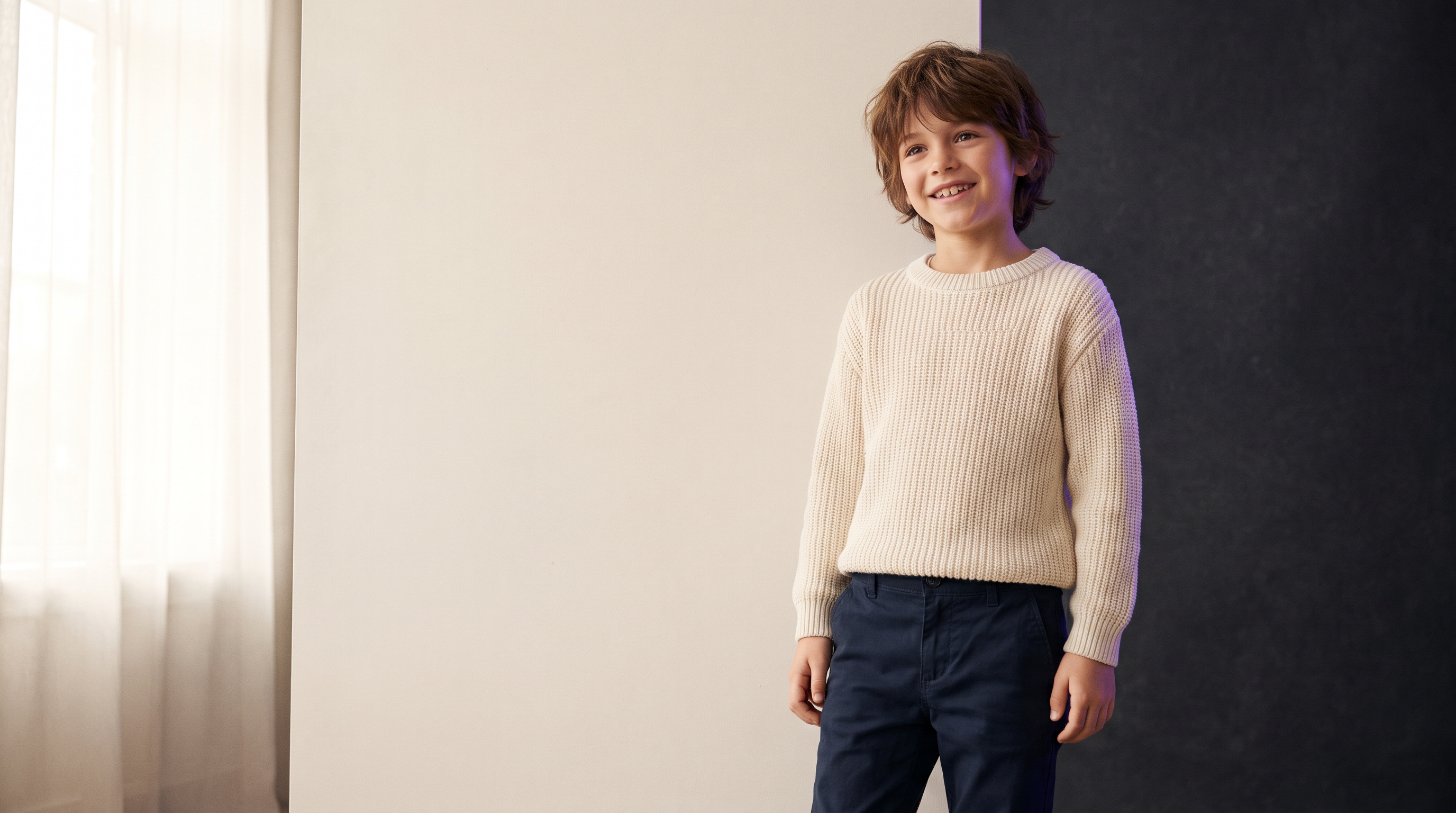
Kids fashion moves fast — seasons, sizes, and colourways multiply overnight. Traditional kids shoots are expensive, scheduling-heavy, and hard to scale. Parents also notice fake faces instantly. This guide shows how to use AI fashion photography for kids apparel while keeping garments true-to-product and faces soft, natural, and trustworthy.
You will learn a full kids SKU pipeline: flat-lay capture → virtual try-on → quality checks → upscale → export for Shopify, Amazon, and social.
Why kids fashion needs a different pipeline
Parents buy with emotion and trust. Overly plastic faces, wrong proportions, or “adult makeup” on a child kill conversion. Kids catalogues also need more size runs and colourways than adult RTW — so cost-per-look matters even more.
Your kids AI pipeline should prioritise:
- Natural faces: soft expressions, realistic skin, age-appropriate styling
- True garment colour: prints, logos, and trims must match the product
- Consistent lighting: bright, clean catalogue look across the whole drop
- Speed: flat-lay once, generate many on-model angles
How to photograph kids garments for AI
Good input beats fancy prompts. Before you open Studio:
- Iron or steam the garment — wrinkles in the flat-lay become wrinkles on the model
- Shoot on white or light grey with even daylight or softbox light
- Fill the frame; keep logos readable
- Capture front + back for jackets, dresses, and printed tees
- Use the highest phone resolution you have (or a basic camera)
Step-by-step kids SKU workflow
- Capture the garment flat or on a hanger
- Remove background if the desk is cluttered
- Use Virtual Try-On / Flat Layout to place the garment on a kids-friendly pose
- Generate 2–4 angles per colourway (front, 3/4, detail)
- Run a soft face pass only if needed — avoid heavy beauty filters
- Upscale hero shots to 2K/4K for PDP zoom
- Export WebP/PNG and name files by SKU + colour
| Step | Tool in Studio | Why it matters |
|---|---|---|
| Flat-lay → on-model | Virtual Try-On / Flat Layout | Keeps your real garment |
| Hero still quality | Oufl Image Pro | Natural faces + fabric detail |
| Clean backdrop | Background Remover / Change Background | Marketplace-ready white |
| Zoom & ads | 4K Upscale | Sharp PDP and Meta creatives |
Keeping faces natural and garments accurate
Use Oufl Image Pro for final stills when you need premium face and fabric detail. Keep prompts short and concrete:
- Age range (e.g. “child around 6–8 years”)
- Fabric + colour (“soft denim jacket, mid-wash blue”)
- Fit (“relaxed, true-to-size”)
- Light (“soft daylight, clean catalogue, high-street kids fashion”)
Avoid neon cyberpunk, heavy makeup, or adult editorial poses. Aim for the soft, natural look parents trust — closer to premium high-street kids campaigns than “AI art.”
Exports for Shopify, marketplaces & ads
- PDP gallery: white or soft grey, full garment visible
- Amazon / marketplaces: follow white-background rules; keep logos sharp
- Social: one lifestyle crop (1:1 or 4:5) with soft daylight
- Ads: upscale heroes; leave clean space for text overlays
Common mistakes (and fixes)
- Adult proportions on kids clothes: use kids-specific poses and age cues in the prompt
- Wrong print scale: re-upload a sharper flat-lay; do not invent logos in text
- Over-smoothed skin: skip aggressive face filters; soft realism converts better
- One image per SKU: generate at least front + 3/4 + detail for scrollers
FAQ
Do I need a real child model for every colourway?
No. Photograph the garment once, then generate on-model images for each colourway. Always review outputs for age-appropriate and brand-safe results before publishing.
Will AI change my fabric colour?
It should not if your flat-lay is well lit and colour-accurate. Compare the output next to the product photo before you go live.
Is this suitable for babies and toddlers?
Yes for apparel stills — keep styling soft, simple, and catalogue-like. Follow your own brand and legal guidelines for children’s imagery.
Start in ComfyUIFlows Studio
Open Fashion tools, upload a kids flat-lay, and generate a clean on-model set for your next drop.