
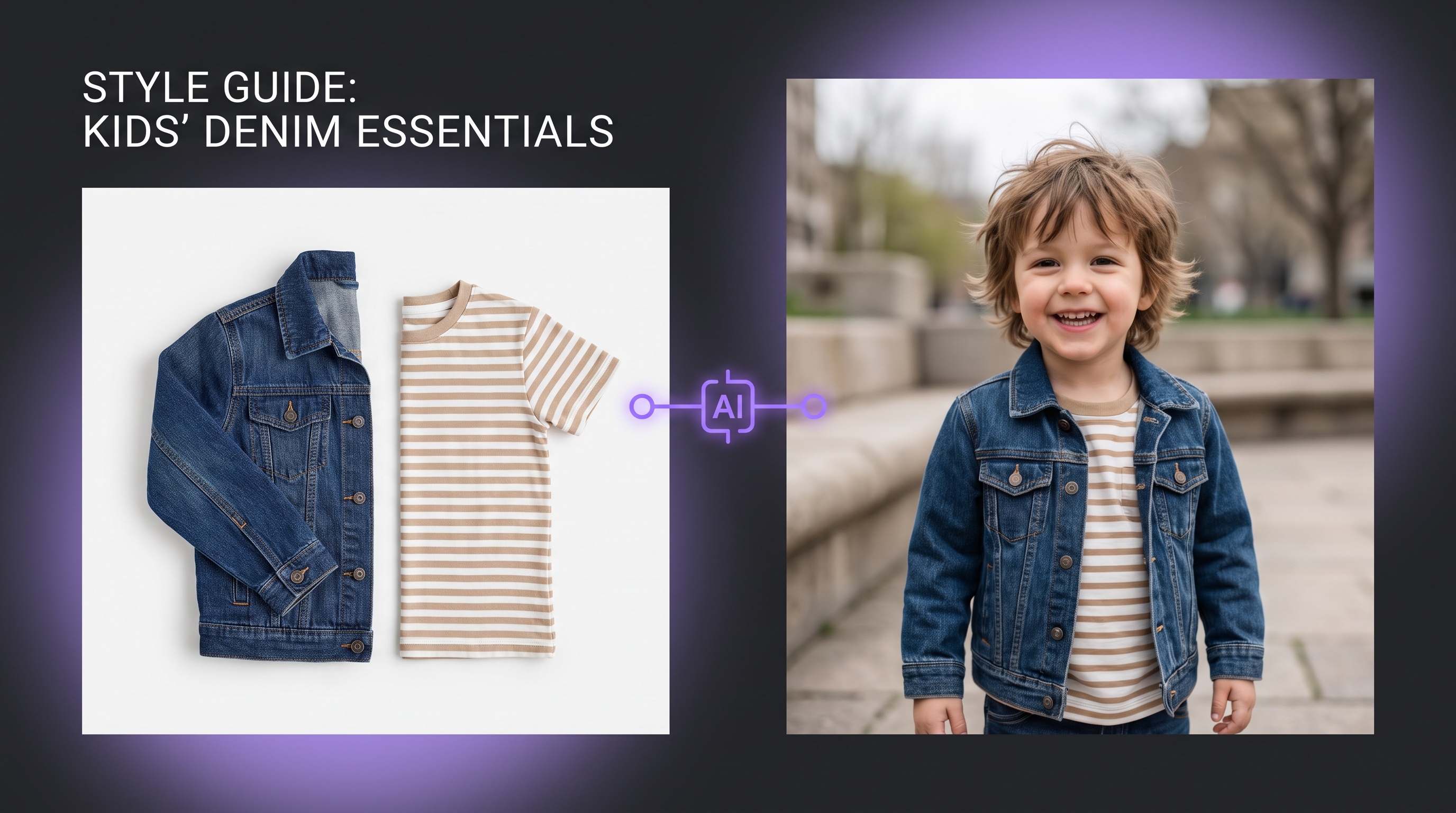
The fastest kids workflow is flat-lay → on-model. Photograph the garment once, then generate age-appropriate on-model images for every channel. This tip sheet is the practical checklist brands use inside ComfyUIFlows Studio.
Shoot the flat-lay right
- White or light grey background
- Garment smoothed; buttons fastened
- Phone parallel to the table (no heavy perspective warp)
- Include hangtags only if you want them in the final
Five-minute generation steps
- Shoot flat on white or light grey
- Upload to Flat Layout / Virtual Try-On
- Pick a soft daylight kids pose
- Generate 2–3 variations
- Export WebP/PNG for PDP
Quick quality checklist
- Age looks right for the size range
- Print/logo matches the flat-lay
- Hands and sleeves look natural
- Background is clean for marketplaces
Useful variations to generate
Front, slight 3/4, and one soft lifestyle crop. That covers PDP, Instagram, and ads without a second photoshoot.